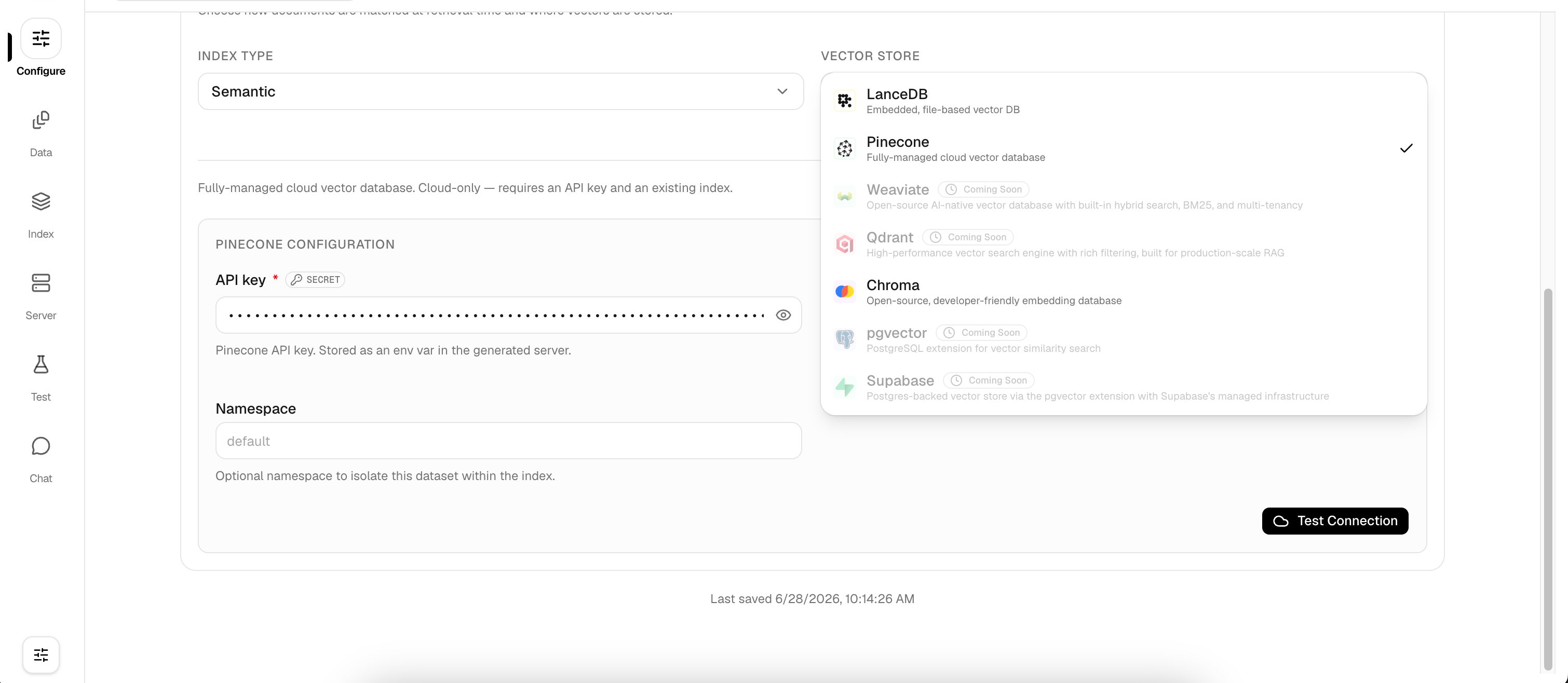
Supported Providers
LarkupRAG isn’t locked to OpenAI. You can choose from any of the following embedding and LLM providers, all configurable from the UI or CLI:- Vercel AI Gateway (Recommended): unified gateway with automatic routing
- OpenAI: GPT-4o, GPT-4o Mini, and embedding models
- DeepSeek: cost-effective alternative models
- Google: Gemini models
- Anthropic / Cohere / Mistral / Voyage AI / Jina AI / Nomic
- Custom: bring your own OpenAI-compatible endpoint
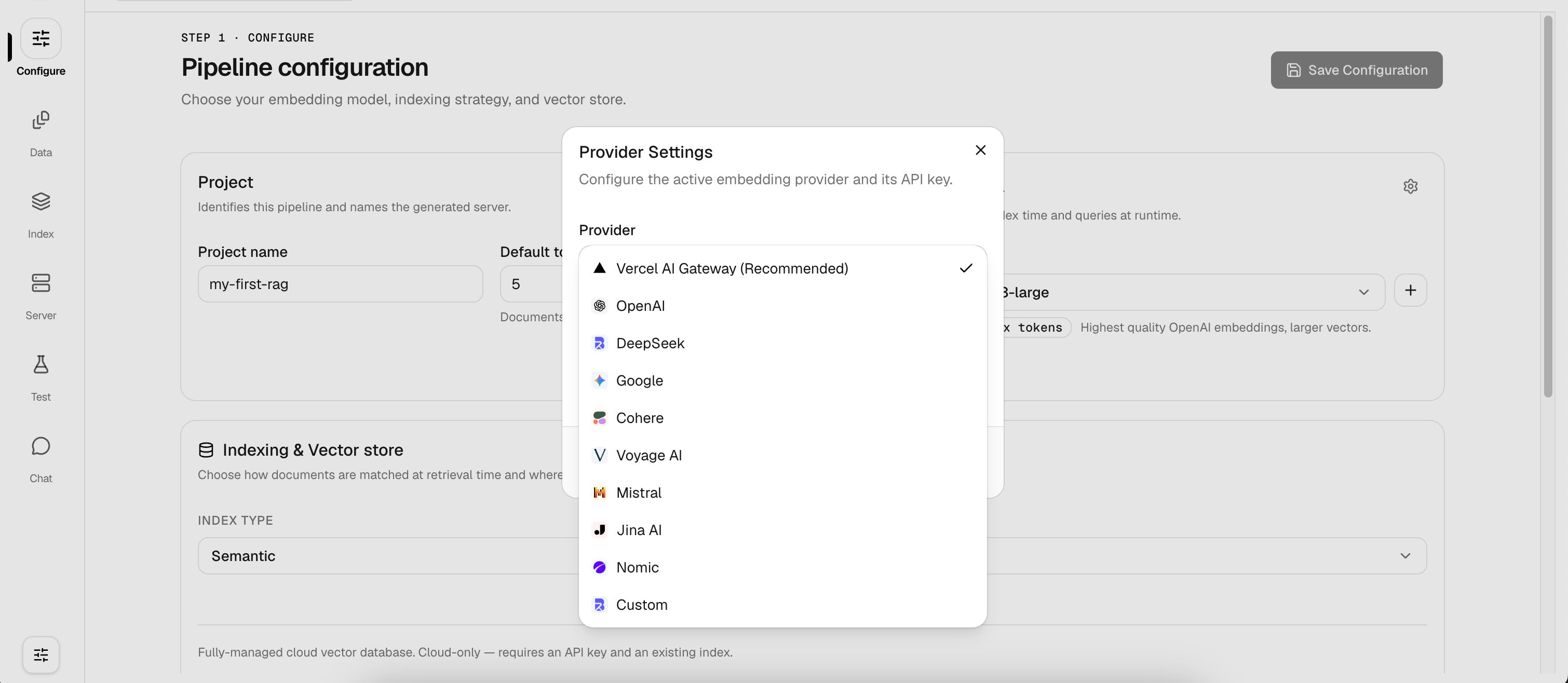
Getting Started
- CLI
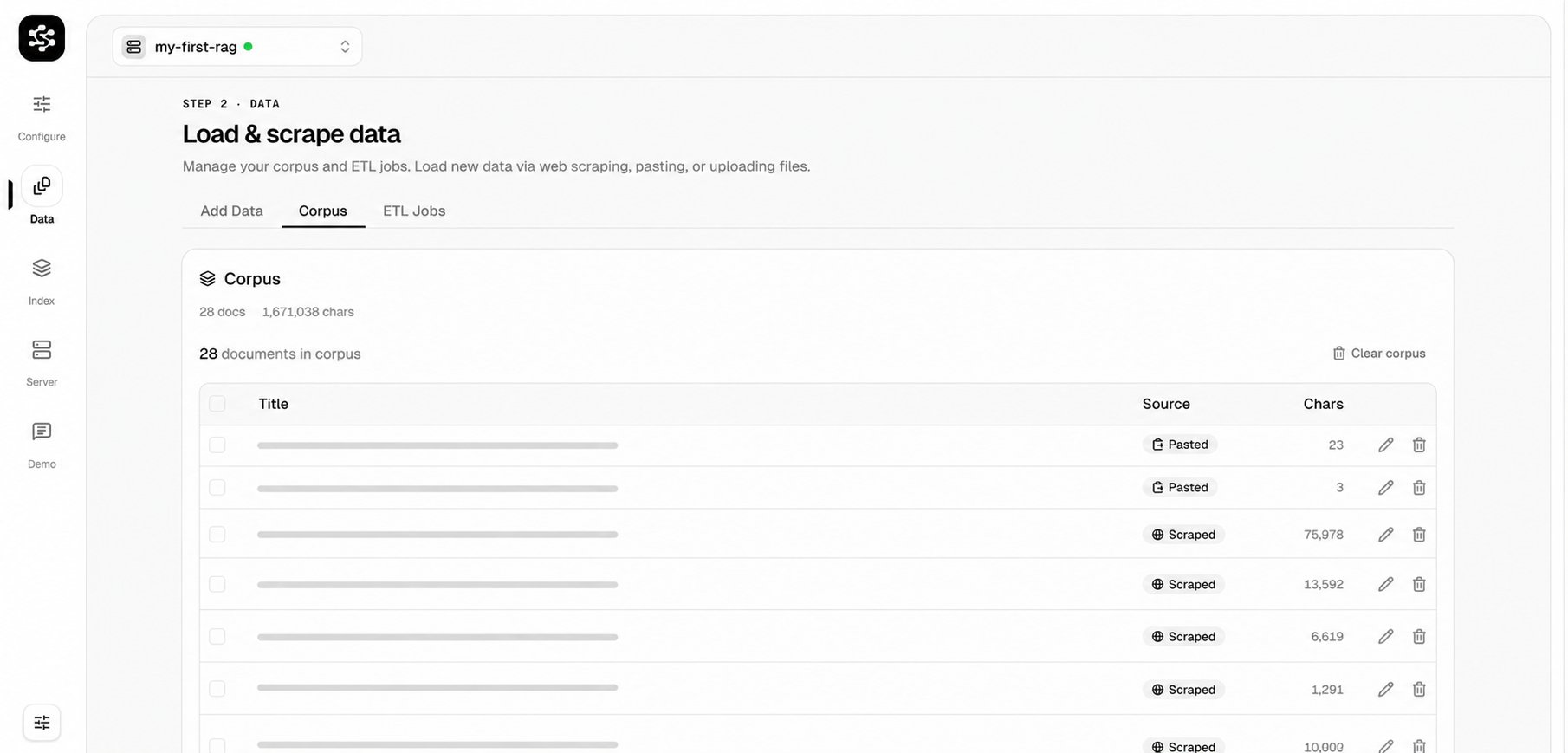
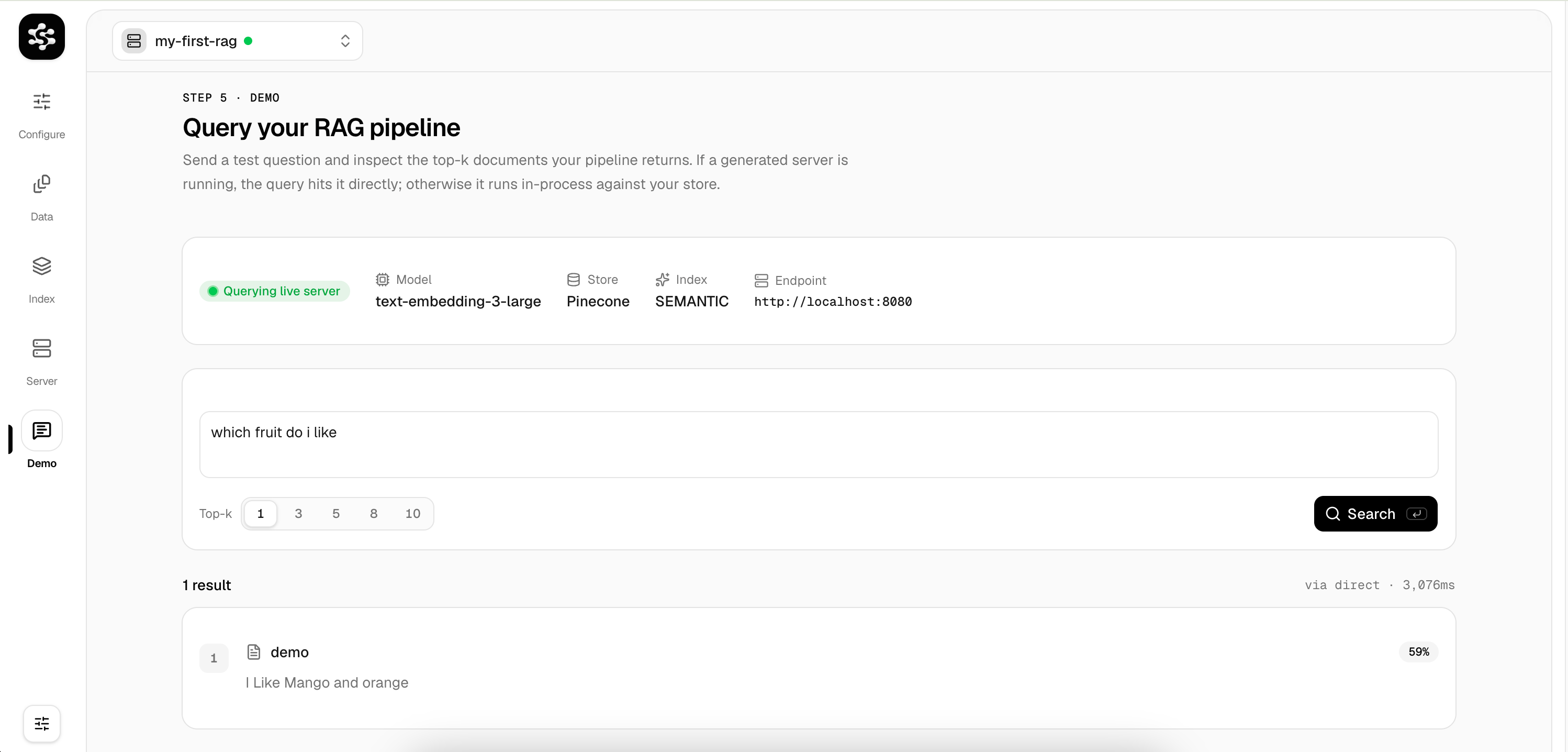
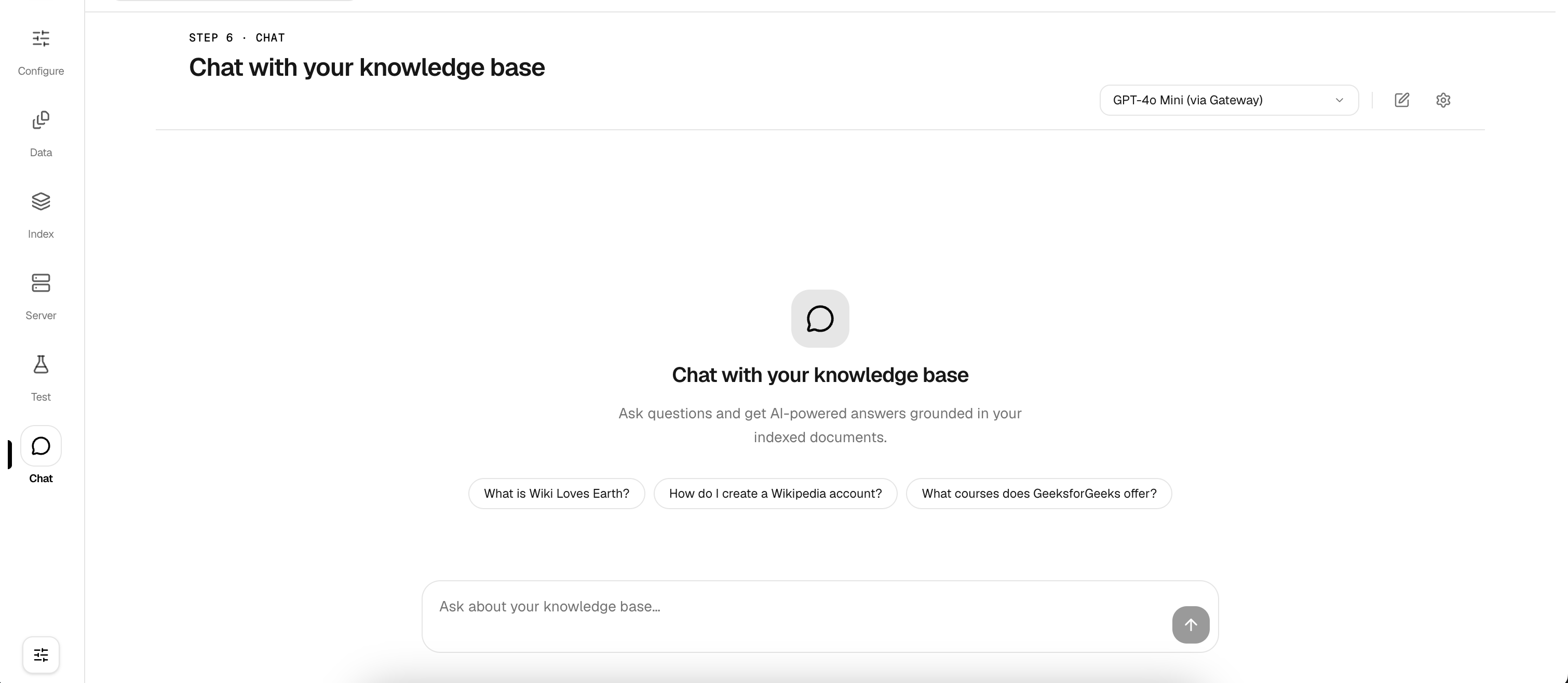
- Web UI
The CLI is the fastest way to go from documents to a working chatbot, no browser required.You’ll be prompted to select a provider (OpenAI, Vercel AI Gateway, DeepSeek, etc.) and paste your API key.Run this command multiple times to add as many files as you need.The AI pulls facts directly from your indexed documents to answer questions. Type
1. Initialize your project
Open your terminal and create a new chatbot workspace:2. Configure your provider
Set your embedding provider and API key:3. Add your documents
Feed documents into the pipeline: PDF, text, markdown, or URLs:4. Index your data
Process and embed your documents into the vector store:5. Start chatting
Launch the interactive chat directly in your terminal:exit to quit.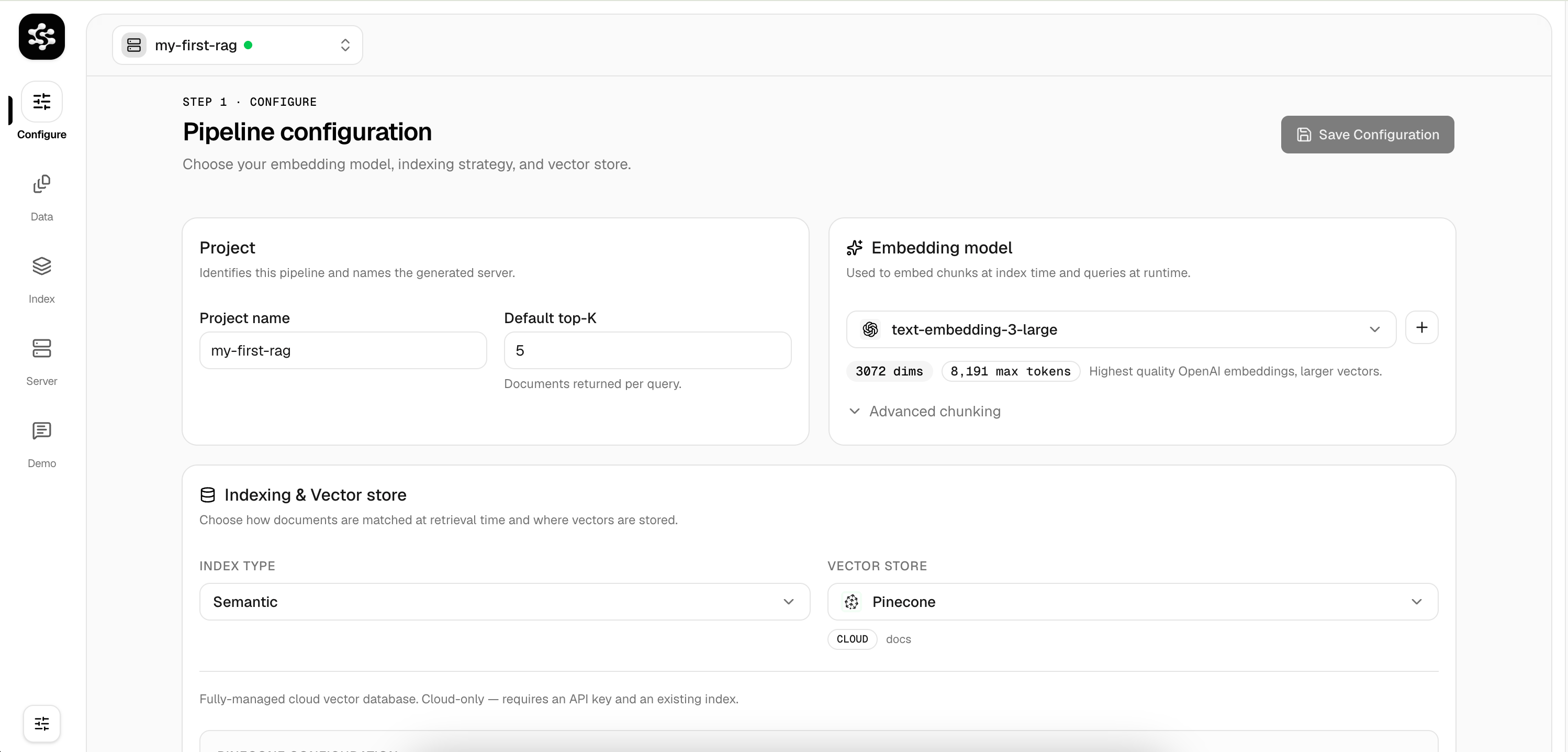
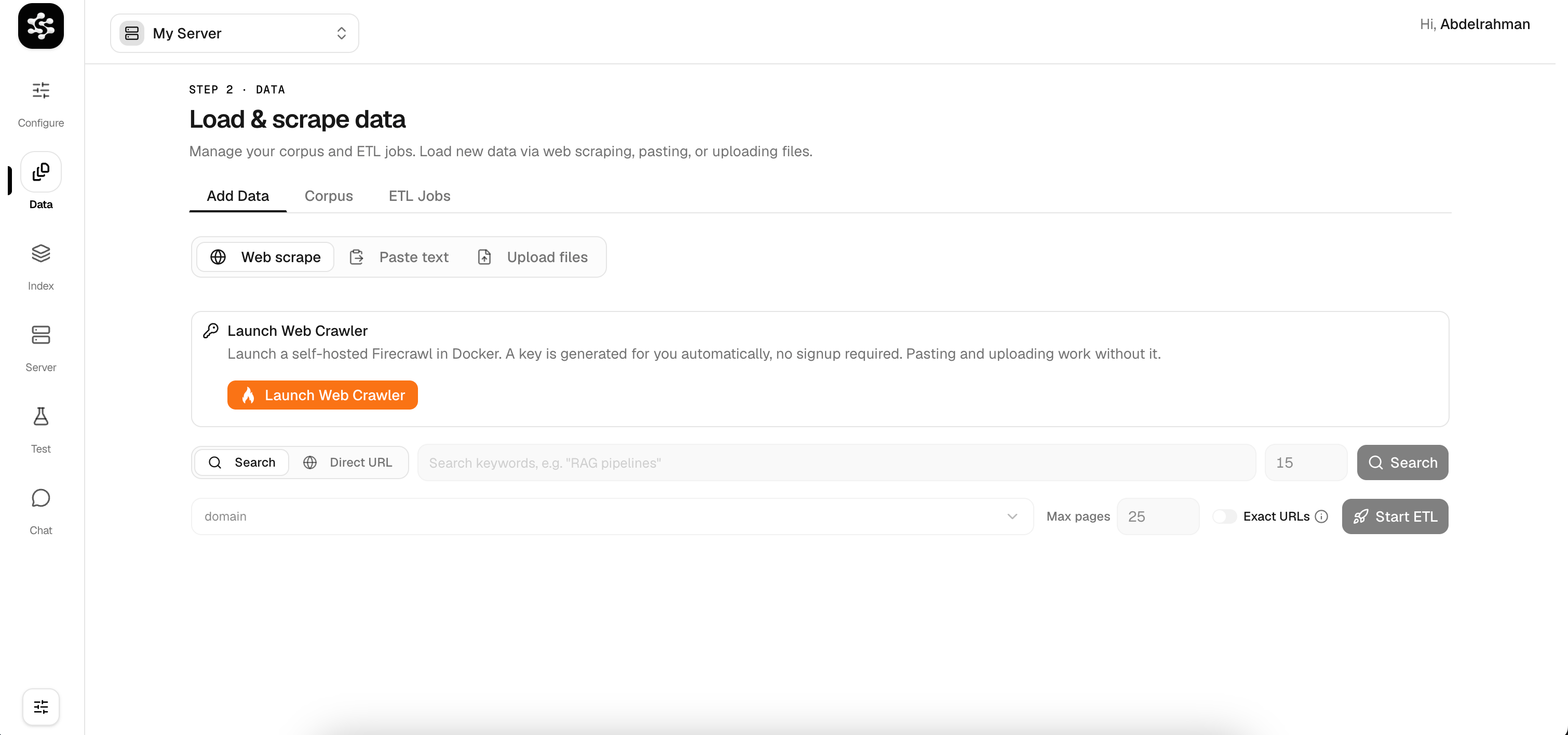
Vector Store Options
LarkupRAG supports multiple vector store backends. Choose the one that fits your deployment:- LanceDB: embedded, file-based (great for local/offline use)
- Pinecone: fully-managed cloud vector database
- Chroma: open-source, developer-friendly
- Weaviate / Qdrant / pgvector / Supabase: coming soon